Hello brawlers. Let’s imagine something for a sec. You just spent the last three hours on Null’s Brawl. You unlocked the newest legendary Brawler, you used the commands to max them out, and you even pushed a few hundred trophies in battles. You are feeling great.
Then, a new update comes out, and you have to reinstall the app. You open the game, excited to keep playing, and poof.
Everything is gone. You are back to being a level 1 Shelly. It’s the worst feeling, right? Because Nulls Brawl is a private server, it doesn’t automatically save your game to the Play Store or App Store as Brawl Stars does. If you delete the app without saving, your account is deleted forever.
But don’t worry. There’s a way to keep your account safe, secure, and ready for the next update. It’s called Nulls Connect. In this article, we’re going to show you exactly how to save your Nulls Brawl account so you never lose your trophies, skins, and brawlers again.
Also Know: What are Null’s Brawl Commands & How to use them?
What is Nulls Connect?
Nulls Connect is similar to the Supercell ID. Since the official Supercell servers don’t recognize players on private servers, the Nulls team built their own custom login system. It acts as a secure place for your progress. Without it, your game data is saved only on your phone’s storage. With it, your data is saved in the cloud, meaning you can access it from anywhere.
Nulls Connect helps you in many ways. It saves your data by uploading your trophies, brawlers, and skins to the Nulls cloud database. It enables cross-platform play so you can access the same account on Android, iPhone, or PC emulators. Also, it ensures account recovery, allowing you to log back in easily if you buy a new phone or reinstall the app. Unlike Supercell ID, which connects to the official game, Nulls Connect only exists within the Nulls Brawl app.
Why Doesn’t Supercell ID Work?
I already have a Supercell ID. Can’t I just log in with that?
No. Nulls Brawl and the official Brawl Stars are two different games. They look similar and play exactly the same, but they don’t share any data.
- Official Brawl Stars connects to Supercell’s real servers.
- Brawl Stars connects to a private server run by the Nulls Team.
If you try to type your real Supercell ID email into the Nulls Brawl, it won’t work because the Nulls server doesn’t know who you are. You need to create a specific ID just for this private server.
How to Register for Nulls Connect
Saving your account is actually super easy. It takes about 2 minutes. You just need an email address that you can access. To do that, just follow these steps:
- Open the Menu
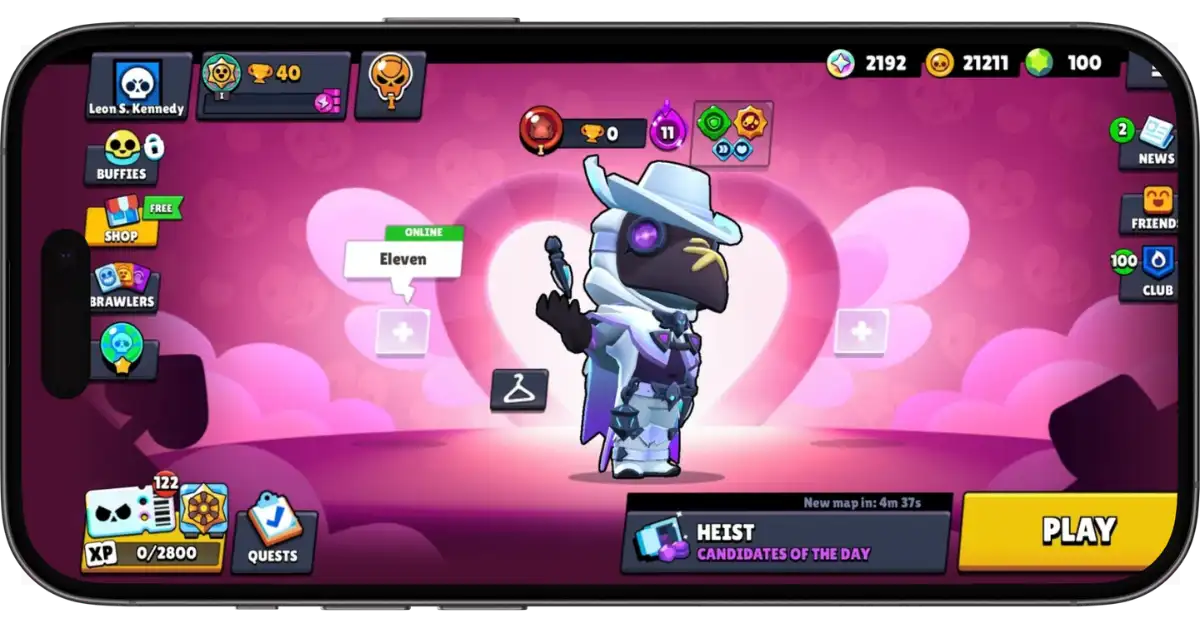
- Open Nulls Brawl. Look at the top right corner. You will see a button with three horizontal lines (the hamburger menu). Tap on that.”
- Find the Nulls Connect
- At the bottom of the menu, you will see the button Nulls Connect. Tap on it.
- At the bottom of the menu, you will see the button Nulls Connect. Tap on it.
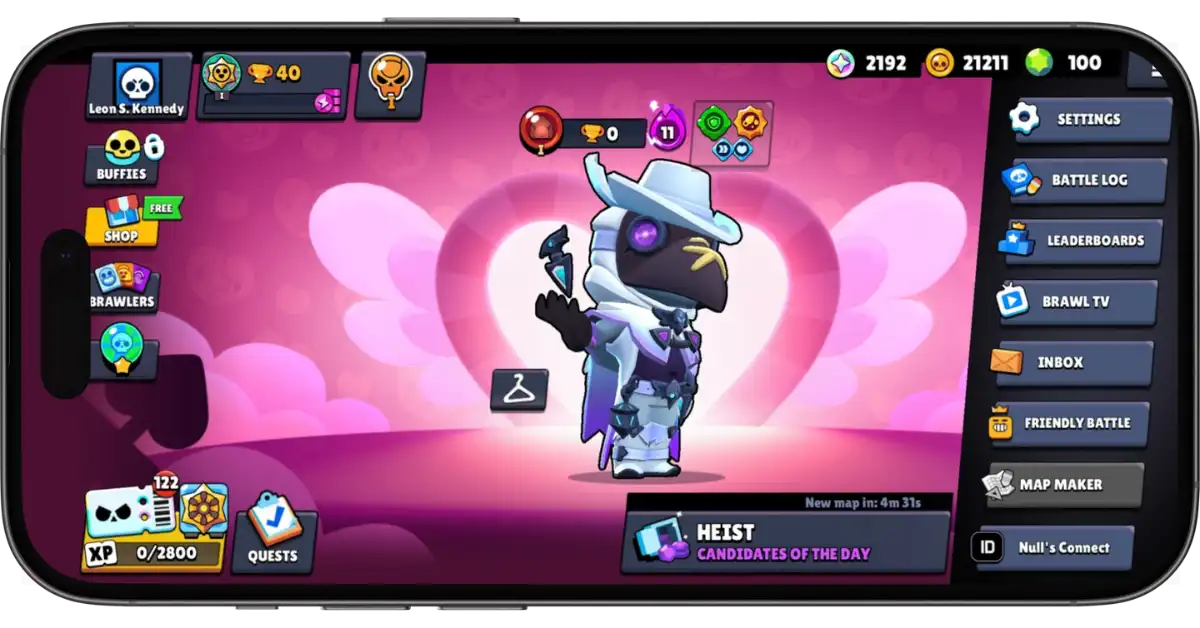
- Enter Your Email
- Type in a valid email address and tap on the Proceed button.
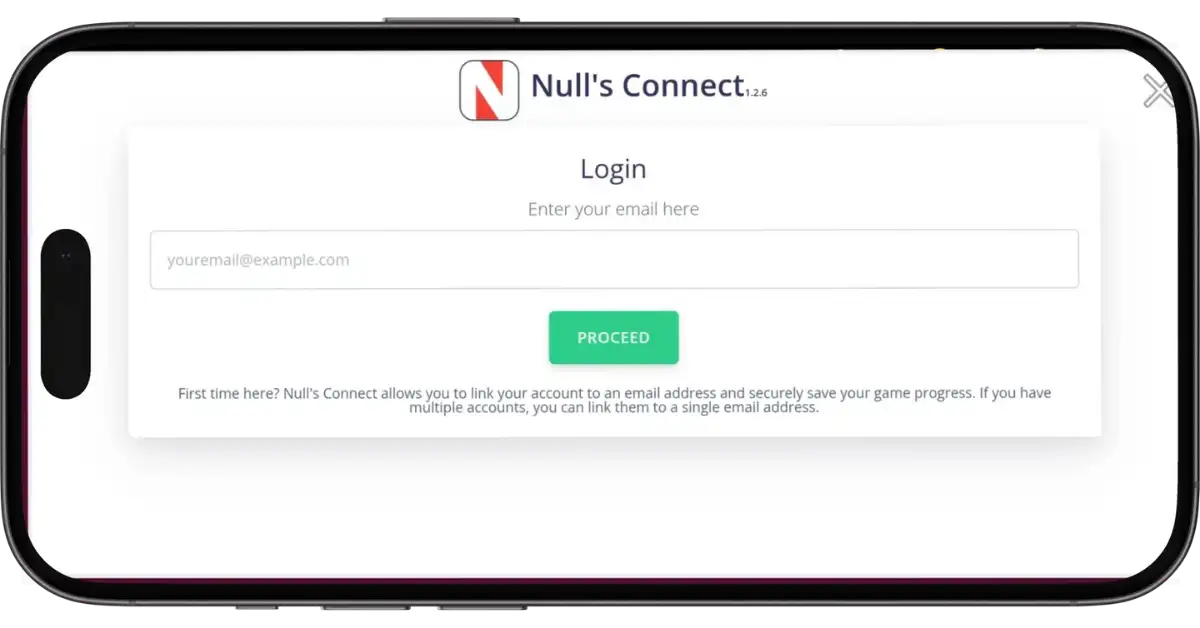
- The Verification Code
- The game will send a 6-digit code to your email.
- Go to your Gmail app.
- Look for the email from the Nulls team.
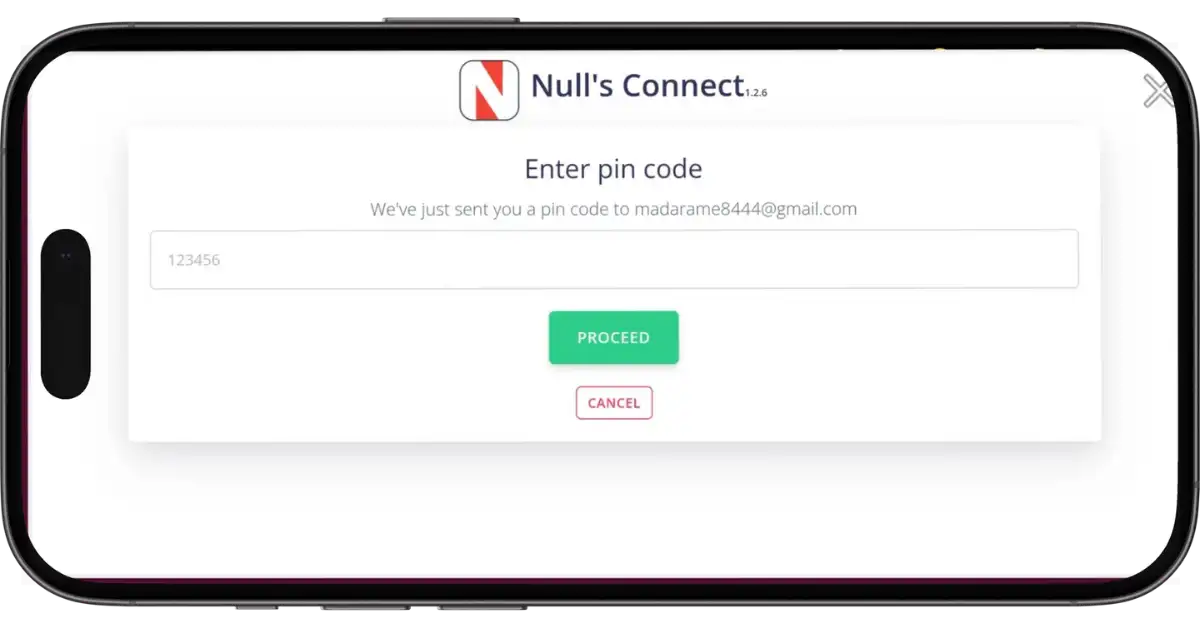
- Enter the Code
- Go back to the Nulls Brawl and enter that verification code, then tap on the Proceed button.
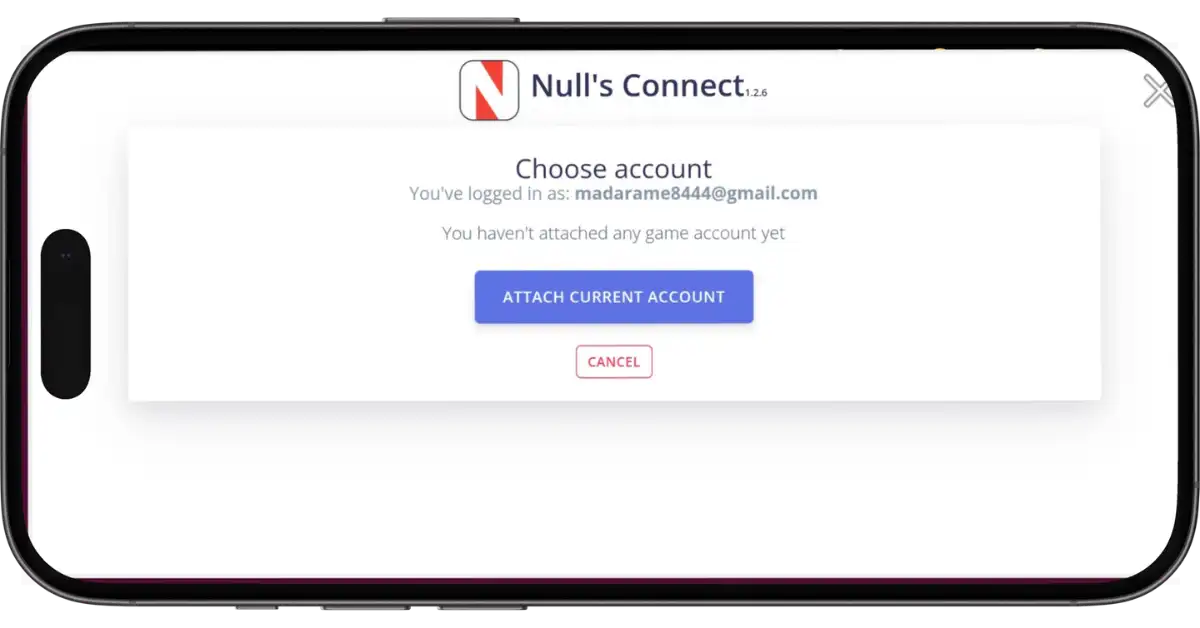
- Attach The Account
- Since your account is not connected to any email yet, you will see the “Attach Current Account” button. Tap on it.
- Done. Your account is not linked to that email.
- You can delete the app, throw the phone in the lake (please don’t actually do that), or switch to iPhone; your account will still be safe.
How to Login (Restoring Your Account)
Ok, so you saved your account. But now a new update came out. You had to delete the old Nulls Brawl and install the new version. When you open the new version, you are back at Level 1 Shelly. How do you get your account back? To do that, follow these steps:
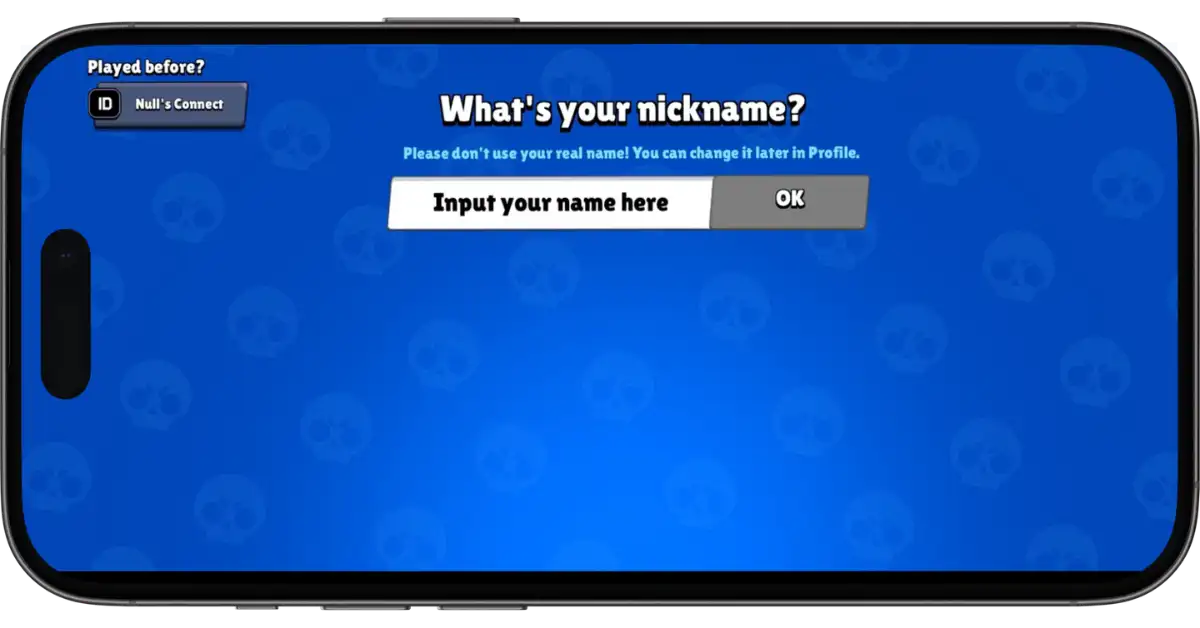
- When you start the game, you will see the Nulls Connect button on top left corner.
- Tap on the Nulls Connect button.
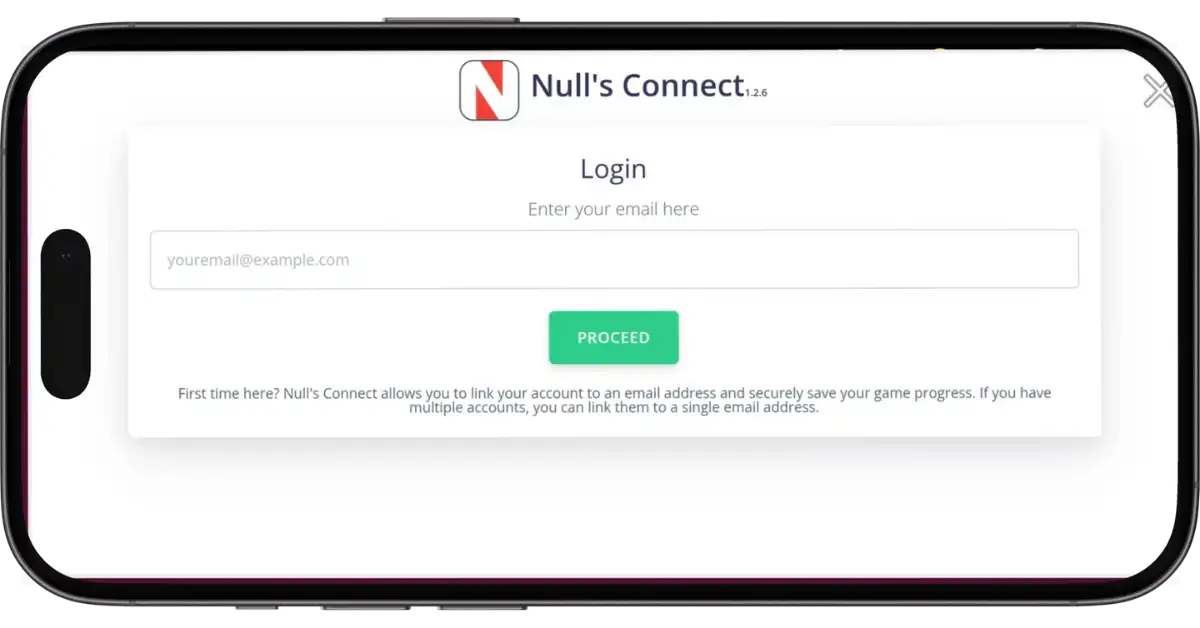
- Enter the same email address you used before for registering your account.
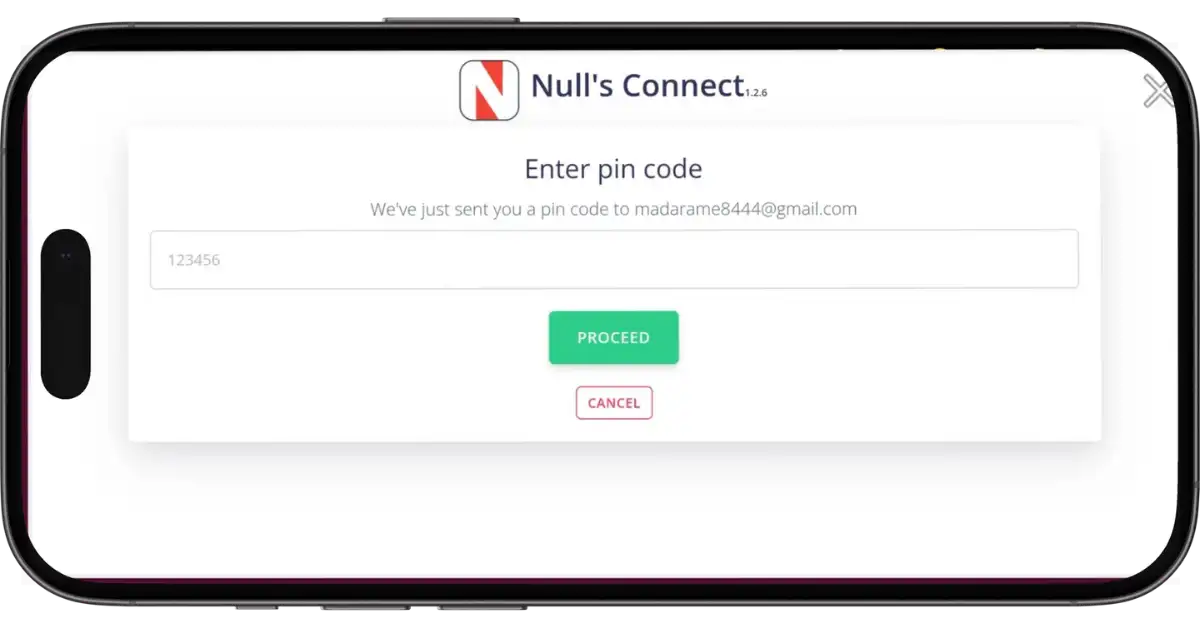
- Go to your Gmail, and look for the new verification code from the Nulls team.
- Then enter that verification code and tap on the Proceed button.
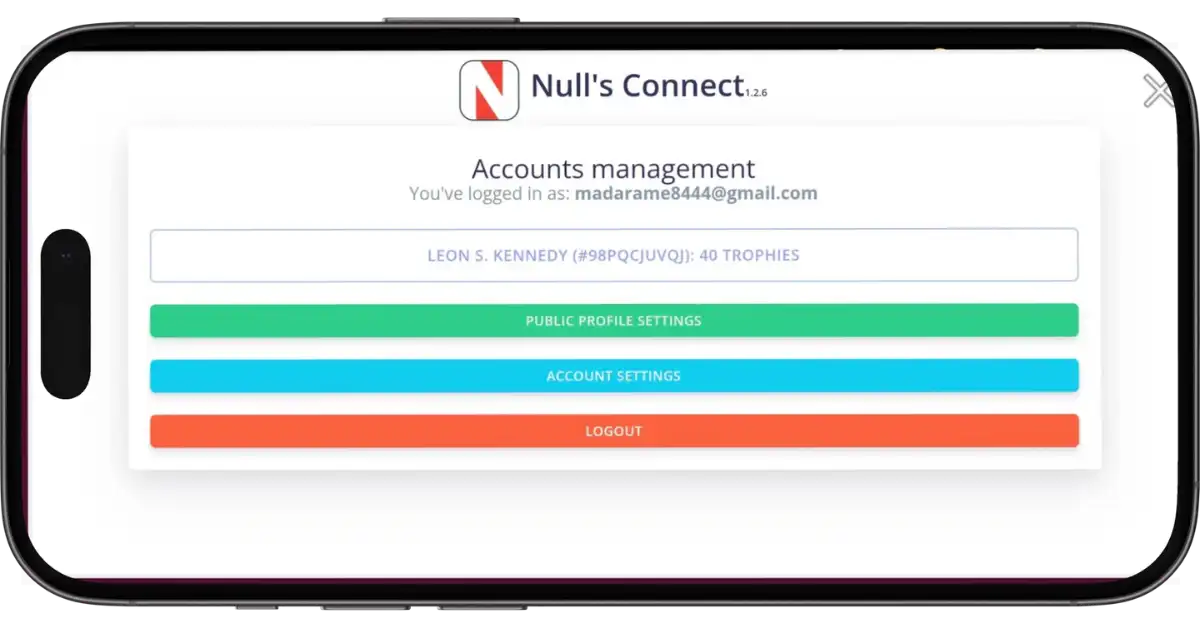
- Then it will show your account (In-Game Name, ID Tag & Trophies) which you want to load. Tap on it.
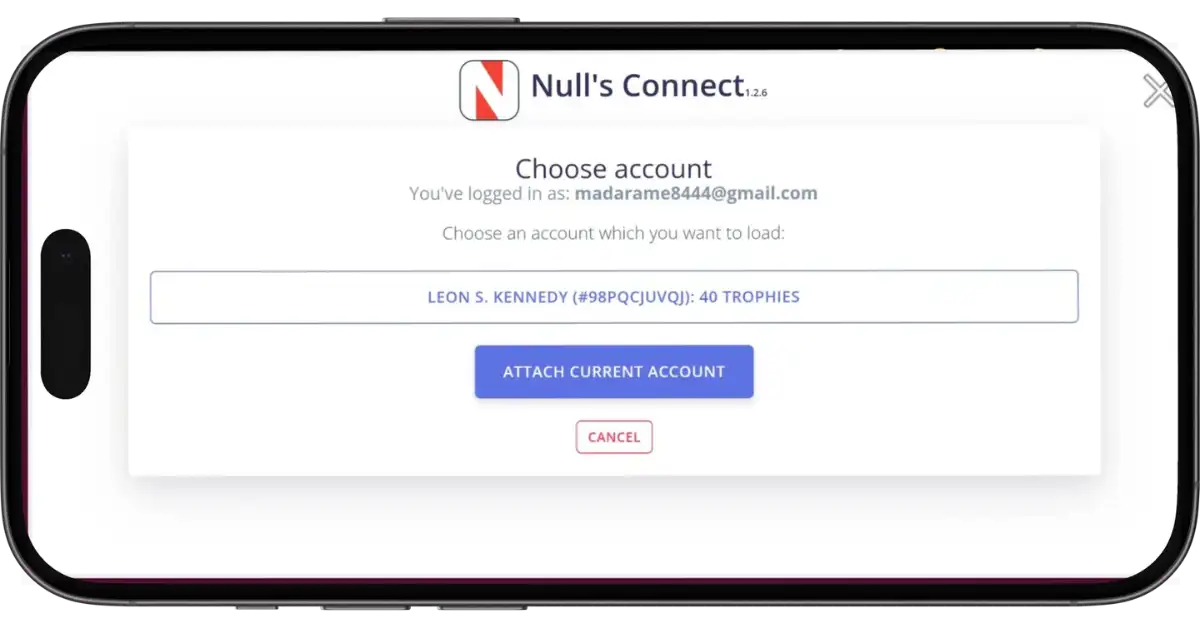
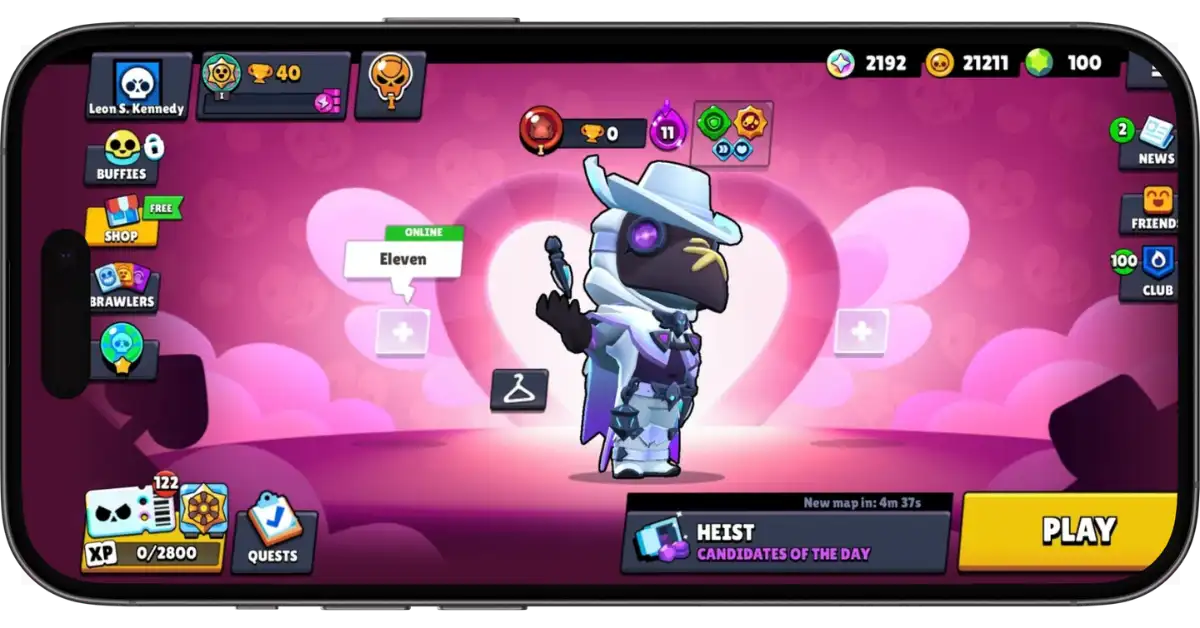
- The game will restart, and your account with all your maxed-out brawlers and trophies will be back.
Why Use Nulls Connect?
Nulls Brawl updates a lot. Every time the official Brawl Stars adds a new brawler, Null’s Brawl has to update its server, too. Sometimes, you can just install the update over the old app. But sometimes, you need to uninstall the old version completely and install the new one.
If you haven’t used Nulls Connect, uninstalling the app deletes your data. It is wiped from your phone’s storage. If you have used Nulls Connect, you can uninstall without fear. That’s why it’s useful to use Nulls Connect.
FAQs
Yes. You can use Nulls Connect to switch between accounts. You just need a different email address for each account. Go to Settings >> Nulls Connect >> Log Out, and then log in with the second email.
Yes. If you have an Android phone and an iPad, you can use Nulls Connect to play the same account on both devices.
No. Nulls Brawl and Brawl Stars are separate servers. Nothing you do here transfers to the real game.
Conclusion
In Null’s Brawl, getting unlimited gems, coins, and instant max-level brawlers is super easy. You can get those back every time you install the game. But you know what you won’t get back? Your account stats and your hard-earned trophies. That’s why setting up Nulls Connect is such a smart move. It takes less than a minute, and it completely secures your account. So, link your email via Nulls Connect, and make sure your progress is safe forever.
Nulls conect plz
Working now
Ich hab angst
Ich hab es satt immer mich an zu melden